

01
Easy to understand
Organize your services and essential information so people can quickly see whether you’re the right fit.
CompITS brings practical technology thinking to your next website. Plan a clear, confident online home that helps customers understand what you offer—and what to do next.
See CorValues.net adapt across screens—with rich imagery, long-form reading, and a photo archive at home on iPad and phone.

A useful business website gives visitors a clear path from first impression to action. We shape the structure, content, and experience around your goals, your customers, and the way your business operates.
Organize your services and essential information so people can quickly see whether you’re the right fit.
Create a responsive experience that stays readable on every screen—and add photo galleries that move through services, spaces, or portfolio images in sync on desktop, tablet, and phone.
Put useful contact and inquiry options where visitors need them, making it easier to continue the conversation.
CorValues.net brings books, personal history, photography, film, and reflection into one considered digital home. It is a living example of how thoughtful structure and expressive design can help visitors find their way through rich content.


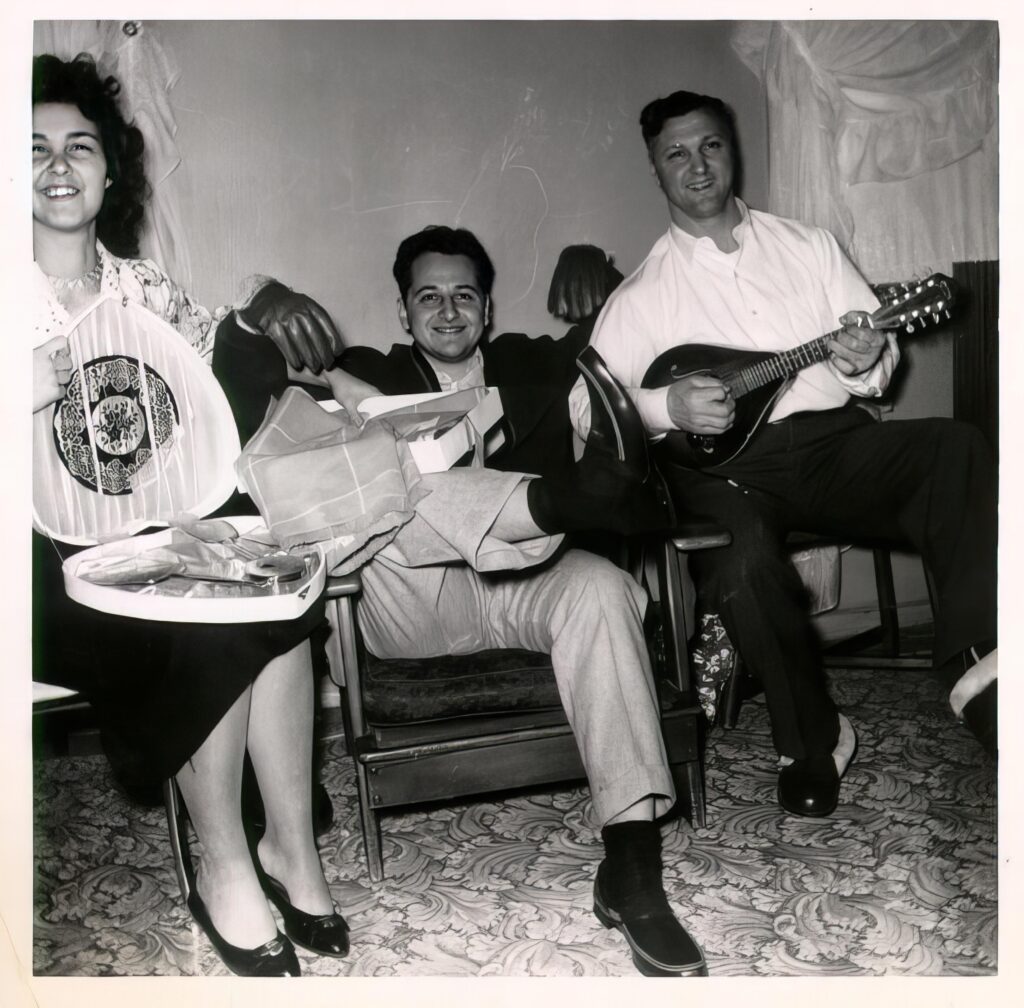
The site guides readers from a connected three-book collection into opening pages, essays, and deeper context. A family photo archive connects images with names, places, and the memories that give them context. An illustrated film adds captions and an expandable transcript.

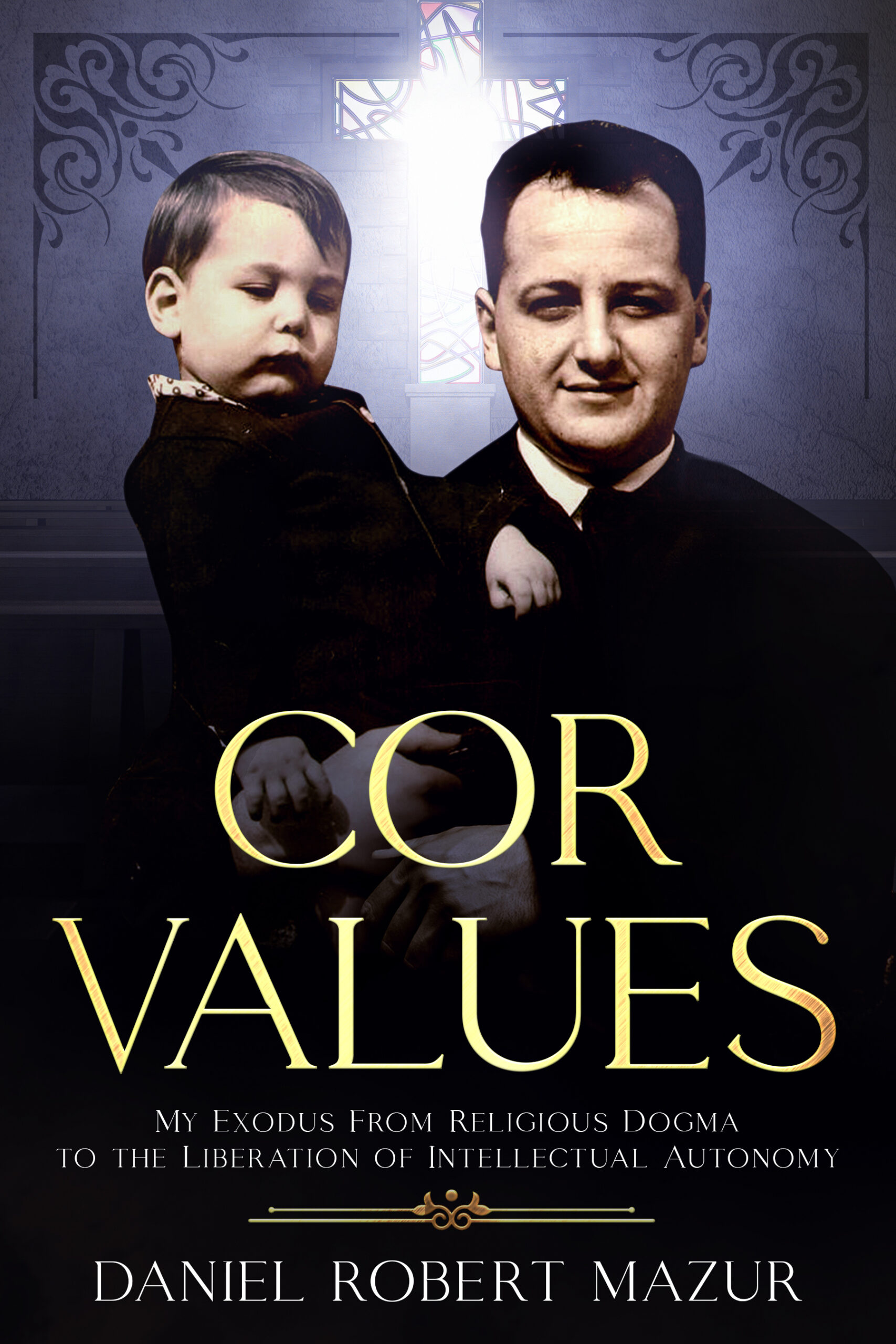
 Three books, brought together in one clear reading journey.
A recent website project by Dan Mazur, presented as an example of content-rich WordPress design.
A rich website is not just a stack of pages. It helps people understand what they have found, why it matters to them, and where they may want to go next. CorValues.net brings fiction, memoir, family photographs, audio, essays, and supporting context together while giving each kind of material an appropriate way to be read, heard, or explored.
Three books share the larger collection The Architecture of Belief, but each has its own subject, tone, book page, and way into the story. The reading path is made explicit—WATCH, COR Values, then Beyond the Morning Light—so visitors can choose a sensible starting point without losing sight of the collection.
Long passages need a different rhythm from sales copy. Clear chapter headings, generous line length, comfortable paragraph spacing, a readable type scale, and a simple chapter menu help a visitor settle in and continue at their own pace.
On the WATCH sample, readers can jump among ten opening chapters. The COR Values and Beyond the Morning Light samples each present five complete opening chapters, with chapter-level navigation and reading controls.
Explore the WATCH openingAudio can make a text-led site more personal and more flexible. COR Values offers five recordings supplied by the author, with a listen-while-you-read layout and a control for each chapter. Beyond the Morning Light offers the same choice through AI narration, clearly identified as a synthetic voice.
The implementation follows the source: preserve the author's own voice where recordings exist, label generated narration honestly, and keep the written chapter easy to find either way. For WATCH, the current example is a text-led ten-chapter excerpt.
Listen while reading COR Values See the AI-narrated sampleThe CorValues family album places photographs beside recollections, names, places, and the moments that give each image meaning. The visitor sees more than a grid of pictures: captions and narrative connect family history with the books and themes around it.
For another organization, the same principle can turn project photos, archives, product images, or community stories into a browsable, well-captioned visual experience—with responsive presentation and useful alternative text.
Explore the family albumMany organizations have valuable material that is hard for a new visitor to decode: specialist language, a long history, several services, a mission, or ideas that matter deeply to insiders. The work begins by listening for what the organization actually does, who it serves, and what a visitor needs to understand or do.
This is message and content translation into a clearer web experience. Translation into another language can be planned separately, with fluent review for accuracy and tone.
Supporting pages can answer questions a headline cannot: a reader's guide can unpack a book's themes; an essay can connect a personal story to a wider issue; a source document can be placed next to the account it illuminates. Useful labels, descriptive links, keyboard-aware controls, captions, and transcripts help more people move through that material with confidence.
CorValues.net demonstrates how a site can hold both an expressive voice and a clear structure. A business site can use the same care to explain services, show proof, and make the next action obvious.
See a companion reader guideWe can help shape existing material into a coherent WordPress experience: content plan, page structure, editorial refinement, visual hierarchy, responsive presentation, and practical paths to contact or purchase. The right scope is set together around your goals and the material you already have.
Each project begins with understanding what you need the website to do. Then we work through a practical sequence, keeping the decisions visible along the way.
Discuss your audience, services, priorities, and the action you want visitors to take.
Agree on page structure, content needs, and visual direction before the build.
Build the WordPress pages, then review them together across screen sizes and common visitor paths.
Review the finished work and discuss practical next steps for managing and maintaining your site.
The right scope depends on your business. Plan around the pages and tools you need now, with room to consider future growth.
Building the pages is one part of the work. CompITS can host the site on its own server, maintain it over time, help protect it, and manage the email setup that keeps customer messages moving. These answers explain how the pieces fit together; exact coverage and response expectations are agreed in the service plan.

Yes. CompITS can host your website on a CompITS-managed server, so the team that builds the site can also manage its hosting environment. We configure the site for launch, connect the domain and DNS, enable HTTPS, and oversee the server environment as part of the agreed hosting service. We’ll explain where the site and its backups live, who has access, and how support works.
Hosting is the operating environment behind the site. Depending on the agreed plan, it can include server and service monitoring, routine platform maintenance, SSL certificate oversight, backup coordination, and help diagnosing availability or performance problems. We review the site’s needs before recommending resources, then make the responsibilities clear: what CompITS manages, what the client manages, and how changes are handled.
Yes. Ongoing care can include scheduled WordPress core, theme, and plugin updates; checking key pages, contact forms, and other important functions after maintenance; reviewing administrator access; and keeping the backup and recovery process current. We can also help with content changes and technical improvements. The maintenance schedule and included work are set out before service begins.

Security is ongoing work, not a one-time launch setting. We reduce common risks by keeping supported software current, removing components that are no longer needed, limiting administrator access to the people who need it, using HTTPS, and watching for relevant alerts or suspicious changes. We also keep a recovery path in view, because good security includes being prepared to respond if something goes wrong. No responsible provider can promise that a site will never face a threat; our job is to reduce exposure, notice issues, and respond methodically.
We can arrange scheduled site backups and define what is covered—website files, the database, and any other agreed data—along with retention and storage. We can help restore a clean backup after an update problem, accidental change, or incident. Before launch, we’ll clarify how often backups run, how long they are kept, and how a restore is requested, so the recovery process is understood before it is needed.
We investigate the affected service, determine whether the issue is related to hosting, a software change, access, or another cause, and agree the safest recovery step. That may mean correcting configuration, rolling back a change, restoring a known-good backup, or coordinating with another provider. We’ll also review the likely cause and recommend follow-up actions. Monitoring coverage, contact channels, and response windows depend on the support plan you choose.
We plan maintenance to reduce disruption. Where the setup allows, we take a current backup, apply updates in a controlled sequence, and check the site’s important visitor paths afterward. If a change is likely to affect availability or needs a special maintenance window, we discuss that in advance. The exact workflow depends on the site and its hosting configuration.

Yes. CompITS can coordinate the email setup behind your domain—from mail routing and mailbox configuration through sender authentication and delivery troubleshooting. We can work with an appropriate business email platform, configure the domain records it needs, and help keep incoming and outgoing mail working as your website or domain changes. We’ll document which provider delivers the mail and which parts CompITS manages.
We can configure website messages to send through an authenticated mail service rather than relying on a basic server mail function. We test submissions end to end, check sender and reply-to settings, and configure SPF, DKIM, and DMARC records when supported by the sending provider and domain setup. If a message bounces, lands in spam, or stops arriving, we can trace the delivery path and correct the configuration or coordinate with the mail provider.
Yes. We inventory the current site, domain records, mailboxes, and services first, then plan the move and cutover. For email, we pay special attention to routing and authentication records so messages continue to reach the right destination. We agree on timing, access, validation, and rollback steps before changing DNS, then test the important pages, forms, and mail flows after the move.

Yes. The site can be set up so your team can make routine content updates in WordPress, while CompITS handles the hosting and maintenance work you choose to delegate. We can show you the editing workflow, clarify which changes are safe to make directly, and remain available for more involved updates.
Hosting, maintenance, security work, email support, and content updates can be scoped to your needs. Before work begins, we’ll identify the services, responsibilities, backup and restore expectations, support channels, and any third-party services involved. We’ll provide the applicable pricing and service terms for review rather than leave important assumptions hidden in a technical setup.
We begin by learning what the website needs to accomplish and reviewing your current site, domain, hosting, and email setup. Then we map the project into a clear plan: what to build, where it will run, how it will be maintained, how mail will flow, and what support you want after launch. You’ll have a practical picture of the work and the ongoing service before deciding how to proceed.